
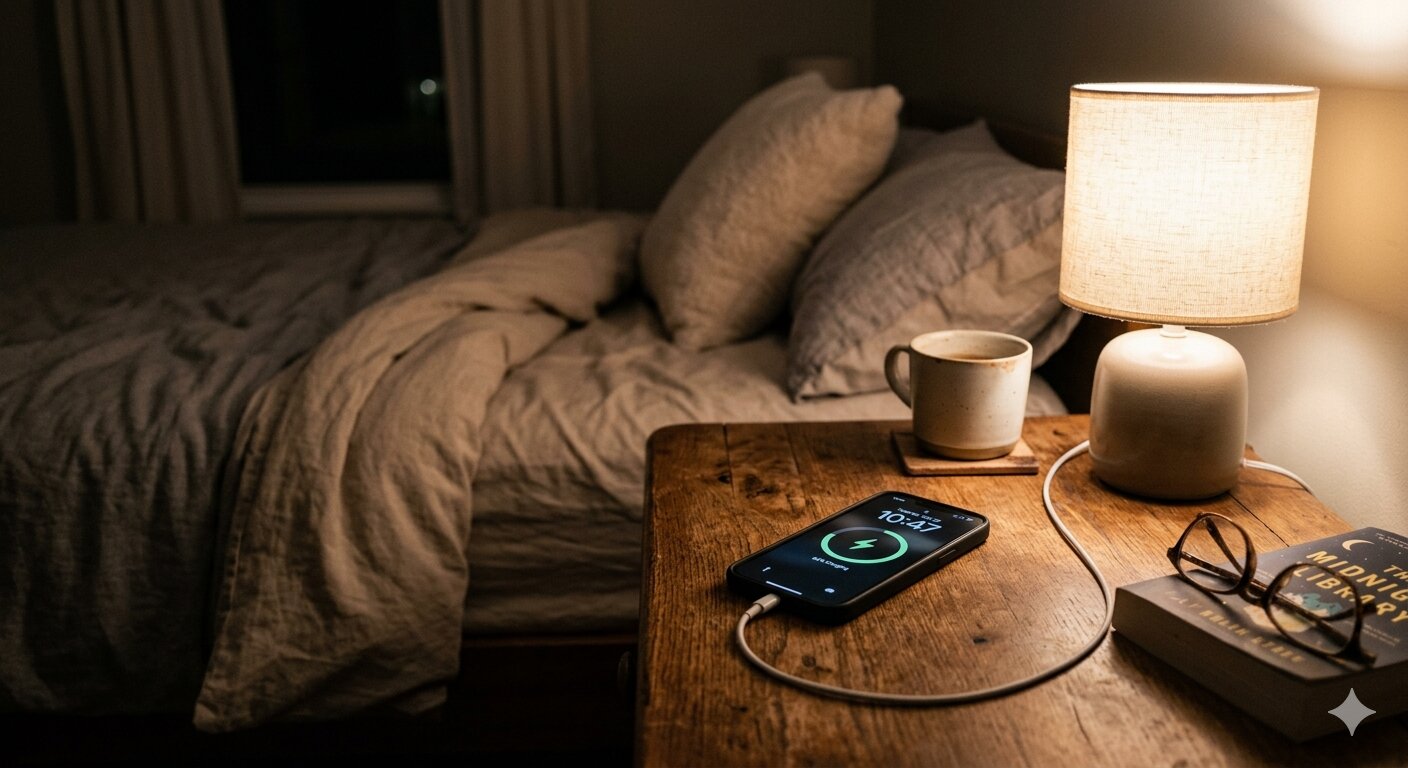
It's one of the most common iPhone questions out there: should you unplug your phone before going to sleep, or is it fine to leave it charging all night? If you've ever worried about ruining your battery by keeping it plugged in for eight hours straight, you're not alone.
The short answer: overnight charging is perfectly fine for most people. But the full picture is a bit more nuanced. Let's break it down.
What Actually Happens When You Charge Overnight
Your iPhone doesn't keep forcing electricity into the battery once it hits 100%. Modern lithium-ion batteries and Apple's charging circuitry are smarter than that. Once fully charged, the phone essentially runs off wall power and stops drawing current into the battery.
There's no risk of "overcharging" in the way people used to worry about with older battery technologies. The hardware won't let it happen.
The Real Enemy: Heat
While staying plugged in at 100% isn't a major concern, heat absolutely is. Lithium-ion batteries degrade faster when they're warm, and charging generates some heat by nature. If your phone is buried under a pillow, wedged between couch cushions, or sitting in a case that traps warmth, you're creating conditions that genuinely shorten battery lifespan.
The fix is simple: charge your iPhone on a hard, flat surface like a nightstand. Remove thick cases if your phone tends to get warm while charging. Good airflow makes a real difference over time.
Apple's Built-In Protections
Apple has added several features specifically designed to help with overnight charging:
- Optimized Battery Charging — Your iPhone learns your daily routine and holds the charge at 80% until just before you usually wake up. This reduces the total time spent at 100%, which is better for long-term battery chemistry.
- Charge Limit setting — In iOS 17 and later, you can manually set a charge limit at 80% or 85% under Settings → Battery → Charging. This keeps the battery in its healthiest range around the clock.
If you're the type who charges every night, Optimized Battery Charging is probably already active. You can check under Settings → Battery → Battery Health & Charging.
Does Overnight Charging Hurt Battery Health Long-Term?
Every lithium-ion battery degrades over time — that's just chemistry. A full charge cycle (0% to 100%) causes slightly more wear than a partial one (say 30% to 80%). Keeping a battery at 100% for extended periods can also add minor stress.
But here's the thing: the difference is small, and Apple's protections mitigate most of it. If your iPhone battery health drops from 100% to 95% over a year of overnight charging, it might have been 96% or 97% with perfect charging habits. For most people, that tradeoff is completely worth the convenience.
If you want to be extra careful, use the 80% charge limit. Otherwise, don't lose sleep over it — literally.
How to Check What Your Charger Is Actually Doing
One thing worth checking is whether your nightstand charger is appropriate for overnight use. A 5W charger generates less heat and charges slowly — actually a good fit for overnight. A 30W fast charger will top off your phone quickly but generates more heat in the process, which isn't ideal when the phone is sitting on a soft surface for hours.
If you're curious about what your charger is actually delivering, a few apps can help:
- Watt Charging Speed — Shows real-time charging wattage with clear speed indicators. Useful for comparing your bedside charger to faster options and making sure you're using the right one for the job.
- Amperes — Displays charging current and lets you track charge rate over time.
- Battery Health – Charge Alarm — Monitors battery health metrics and can alert you when your phone reaches a target charge level.
Knowing your charger's actual output helps you make a smarter choice about what to leave plugged in at night. A slow charger you already own might be the perfect bedside option.
The Bottom Line
Overnight charging is safe and fine for the vast majority of iPhone users. Apple's hardware and software protections handle the heavy lifting. The most important thing you can do is avoid heat — charge on a hard surface, skip the thick case at night, and let your phone breathe.
If you want to go the extra mile, enable the 80% charge limit in Settings. But if you just want to plug in and forget about it? That's perfectly fine too.