
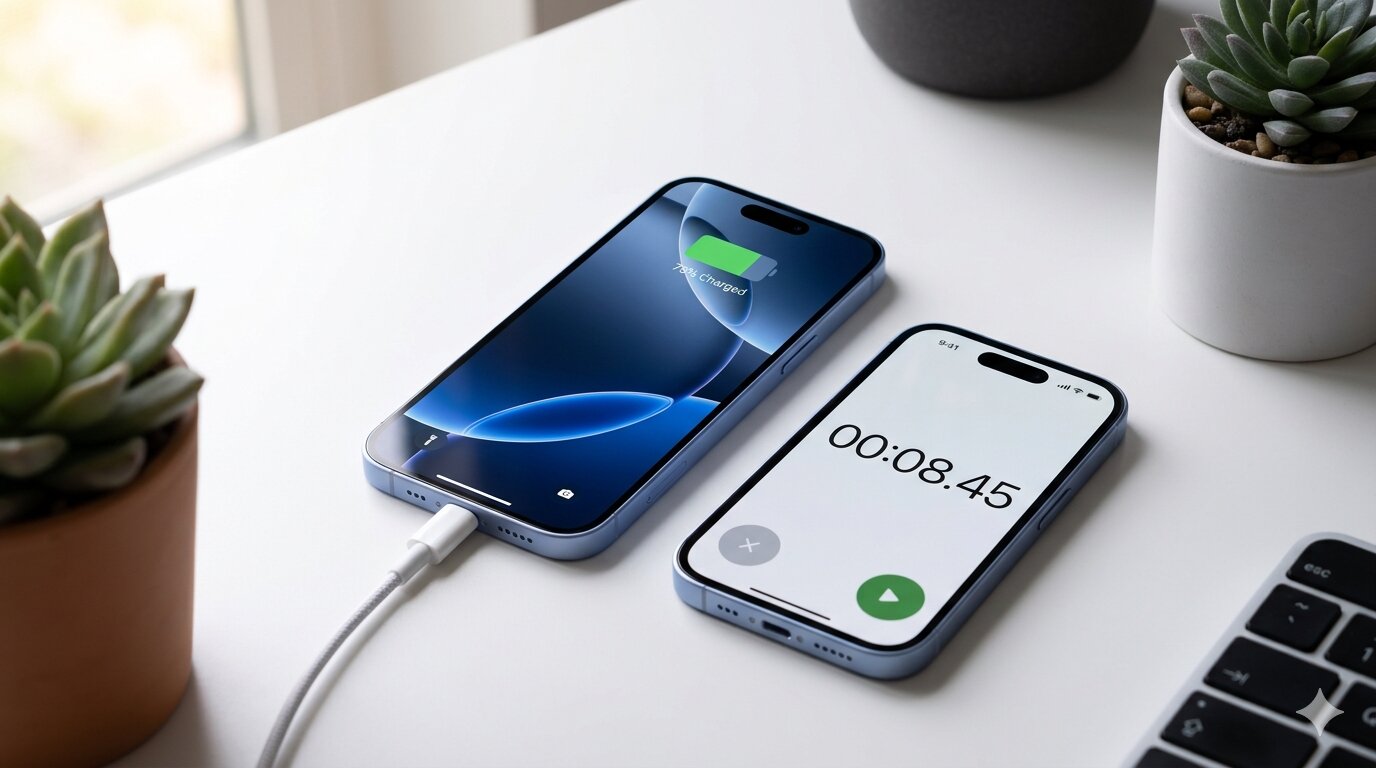
Apple doesn't ship a charger in the box with the iPhone 16, and they're not exactly upfront about charging speeds either. The spec sheet says "fast charging capable," but how fast is fast? And does your current charger even take advantage of it?
Here's what you can actually expect when charging an iPhone 16, 16 Plus, 16 Pro, or 16 Pro Max — and how to test it yourself.
What Wattage Does the iPhone 16 Support?
The iPhone 16 lineup supports USB-C wired charging at up to about 27W for the standard models and up to 30W for the Pro models. But there's a catch: the phone doesn't pull the same wattage throughout the entire charge.
Charging speed is fastest when the battery is low — typically between 0% and 50%. After that, the phone gradually slows down to protect battery health. So even with a 30W charger, you'll see peak speeds only during the first half of the charge.
In practical terms, you can expect roughly 50% charge in about 30 minutes with a 20W or higher adapter. A full charge from 0% to 100% takes around 1.5 to 2 hours, depending on the charger and model.
How Different Chargers Compare
Not all chargers deliver the same results. Here's a rough breakdown of what you'll see in real-world use with an iPhone 16:
- 5W (old cube adapter) — Around 3–4 hours for a full charge. Painfully slow by today's standards.
- 12W (iPad adapter) — About 2.5 hours. A decent improvement, but not fast charging.
- 20W USB-C — Around 1.5–2 hours. This is the sweet spot for most people.
- 30W+ USB-C — Roughly the same as 20W for total time, but slightly faster to reach 50%. The iPhone limits intake, so you won't see major gains above 30W.
The takeaway: a 20W adapter is the minimum for fast charging, and going higher than 30W won't hurt your phone but won't charge it much faster either.
How to Test Your Actual Charging Speed
The numbers above are estimates. Your real charging speed depends on your cable, adapter, battery temperature, and whether you're using the phone while it charges. If you want to know what's really happening, you can measure it.
A few apps that show real-time charging wattage on iPhone:
- Watt Charging Speed — Shows your real-time charging wattage with a live graph. Useful for comparing different chargers side by side, since it saves a benchmark of each charger you test.
- Amperes — Displays charging current and estimates time to full. A simple, straightforward option for quick checks.
- coconutBattery — Originally a Mac app, the iOS companion shows charging power along with battery health details like cycle count and design capacity.
Testing is especially useful if you own multiple chargers and want to find out which one is actually the fastest — or if you suspect a cable is holding you back.
MagSafe and Qi2 Wireless Charging
The iPhone 16 supports MagSafe charging at up to 25W with Apple's latest MagSafe charger, and standard Qi2 wireless charging at up to 15W. Older Qi chargers max out at 7.5W.
Wireless charging is inherently slower and less efficient than wired. If speed is a priority, plug in. But for overnight or desk charging where you're not in a hurry, MagSafe or Qi2 is perfectly fine.
Tips to Charge Faster
- Use a USB-C cable rated for the wattage — Not all USB-C cables support the same power delivery. A cheap cable might limit your charger to lower speeds.
- Don't use your phone while charging — The screen and processor generate heat, which causes the phone to throttle charging speed.
- Remove thick cases — Cases that trap heat can slow down charging, especially in warm environments.
- Charge in a cool place — iPhones reduce charging speed when they get too warm. Avoid charging in direct sunlight or on soft surfaces that insulate heat.
- Turn on Airplane Mode — If you need the fastest possible charge and don't need connectivity, airplane mode reduces background power use.
Bottom Line
The iPhone 16 charges reasonably fast with any 20W or higher USB-C adapter. You don't need anything fancy — just make sure you're not still using a 5W brick from 2018. If you're curious about your exact charging speed, a wattage monitoring app can show you the real numbers instead of guessing.