
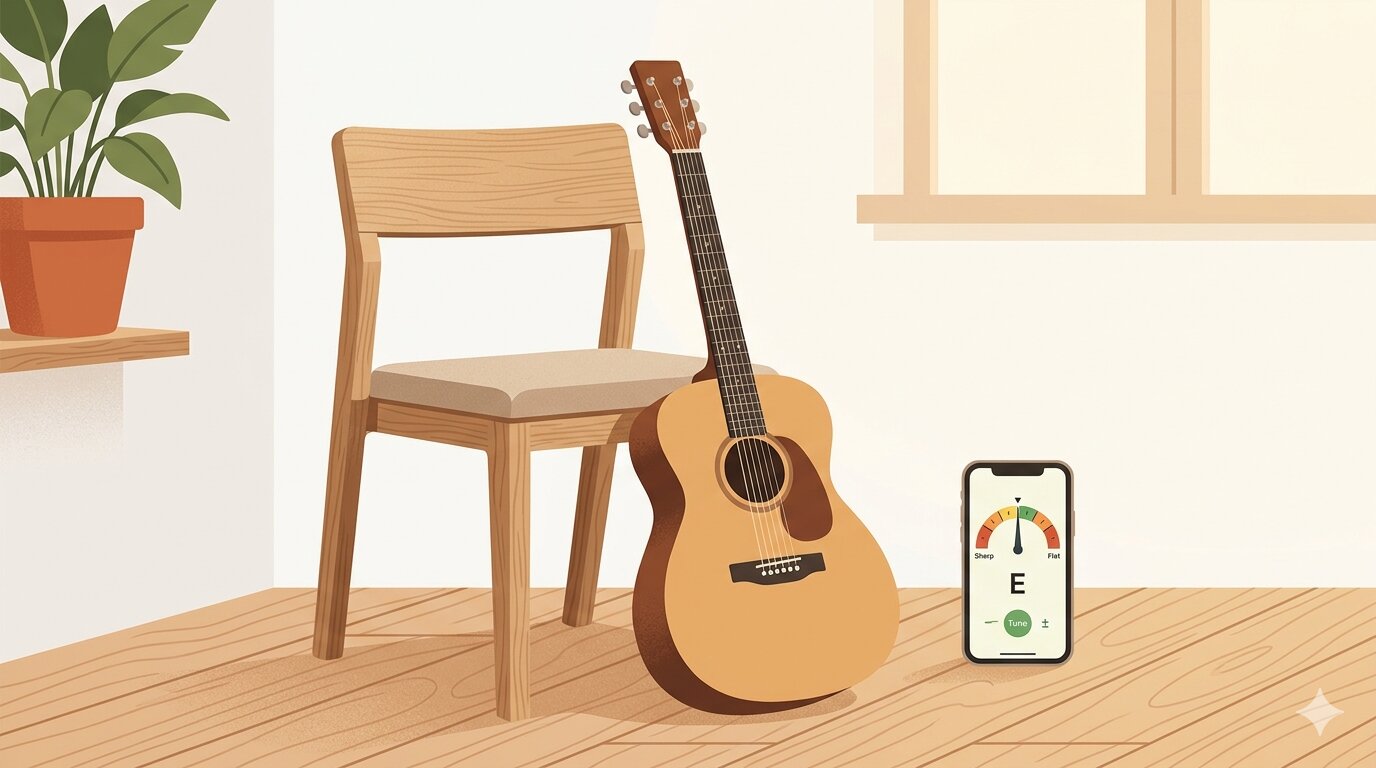
You sit down to play, strum a chord, and something sounds off. Maybe it's subtle — just enough to make everything feel wrong. Or maybe it's painfully obvious. Either way, your guitar is out of tune, and you don't have a clip-on tuner nearby.
The good news? Your phone is all you need. Modern tuner apps use your phone's microphone to detect pitch in real time, and the best ones are just as accurate as a dedicated hardware tuner. Here's how to get your guitar in tune in under a minute.
How Phone-Based Tuners Work
Guitar tuner apps listen through your phone's microphone and analyze the frequency of each note you play. Standard tuning for a six-string guitar is E-A-D-G-B-E (from the thickest string to the thinnest), and each note corresponds to a specific frequency — for example, the low E string vibrates at about 82 Hz.
The app shows you whether the string is sharp (too high), flat (too low), or right on pitch. Most display this as a needle or gauge that you try to center. It's simple, fast, and surprisingly accurate even in a moderately quiet room.
Tips for Getting an Accurate Tune
Phone tuners work best when you give them a clean signal. Here are a few quick tips:
- Tune in a quiet room. Background noise — TV, fans, other instruments — can confuse the microphone.
- Play one string at a time. Pluck the string firmly and let it ring. Don't strum chords while tuning.
- Hold your phone close. About 30 cm from the soundhole gives the mic a strong, clear signal.
- Tune up to the note. If a string is sharp, loosen it below the target pitch, then tune up. This prevents the string from slipping flat after tuning.
- Stretch new strings. Fresh strings go out of tune quickly. Gently pull each string away from the fretboard a few times, retune, and repeat until it holds.
What About Alternate Tunings?
Standard tuning covers most playing, but if you're into fingerpicking, slide guitar, or certain genres, you'll eventually want alternate tunings like Drop D, Open G, or DADGAD. Not all tuner apps support these — so if you play in alternate tunings regularly, look for an app that includes presets rather than just a chromatic mode.
Best Guitar Tuner Apps for iPhone
There are dozens of tuner apps on the App Store, but these three cover different needs well:
- GuitarTuna — The most popular guitar tuner app with over 100 million downloads. The free version includes a solid tuner, chord diagrams, and a basic metronome. The paid subscription adds songs, tabs, and learning tools. Great if you want an all-in-one app, though the free version has ads.
- Fender Tune — Made by Fender, this app is clean, fast, and focused. It supports a wide range of alternate tunings and auto-detects which string you're playing. Free with optional pro features. A solid choice if you just want a reliable tuner without extras.
- StringKit — A guitar toolkit that bundles a precision tuner with 12 tuning presets, a 168-chord library with fretboard diagrams, and a metronome with adjustable time signatures. One-time purchase with no ads or subscriptions — a good option if you want tuner, chords, and metronome in one clean app without recurring costs.
All three are accurate for tuning. The main difference is what you want beyond the tuner itself — learning tools, simplicity, or a bundled practice toolkit.
Do You Still Need a Clip-On Tuner?
Phone tuners are great for home practice, but they struggle in noisy environments like rehearsals, open mics, or jam sessions. A clip-on tuner reads vibrations directly from the headstock, so background noise doesn't matter. If you play with other people regularly, it's worth having one in your gig bag.
For everything else — warming up at home, writing songs, quick practice sessions — a phone app is more than good enough. And since you always have your phone with you, there's no excuse for playing out of tune.