
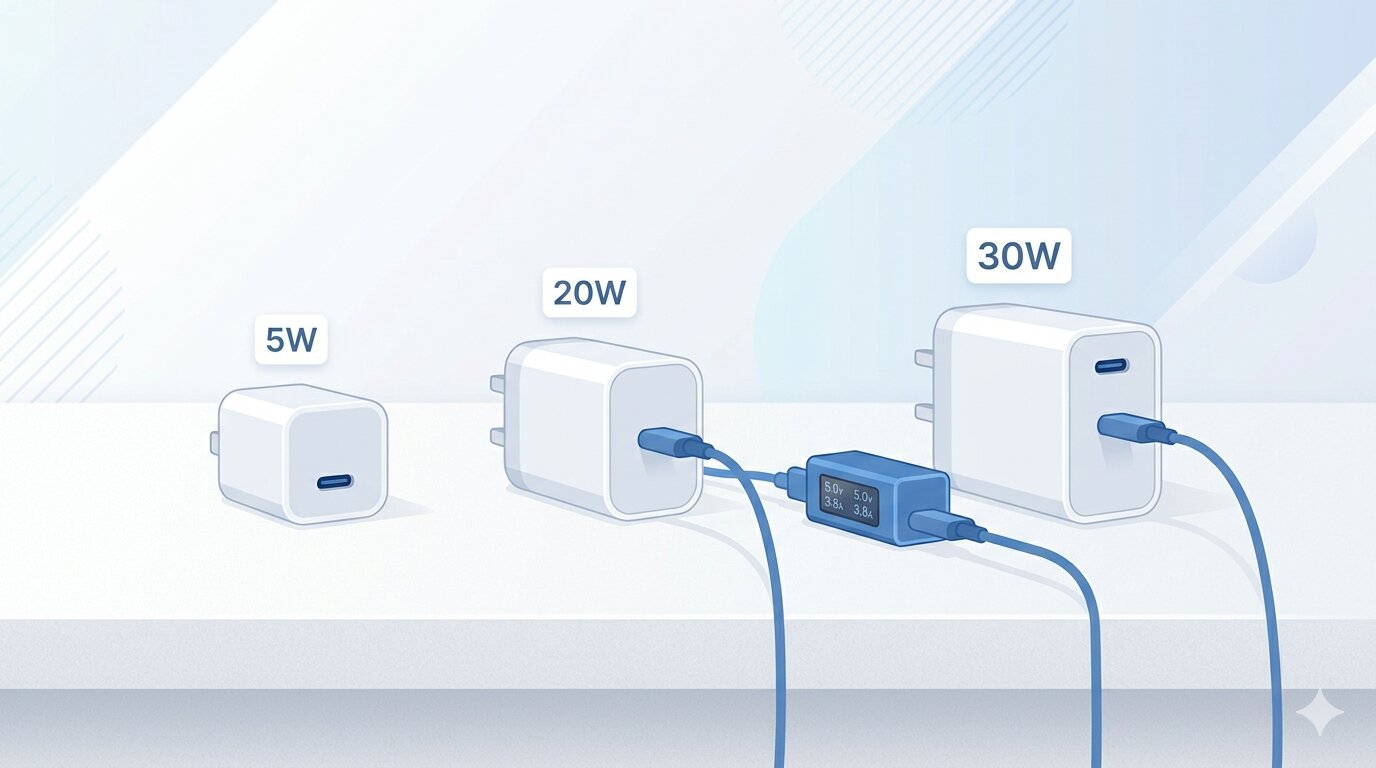
You bought a charger that says "20W Fast Charging" on the box. But when you plug in your iPhone, how do you actually know it's fast charging? There's no notification that says "fast charging activated." The battery icon doesn't change color. iOS just shows a lightning bolt and leaves you guessing.
The truth is, many people are using chargers that aren't delivering the speed they promise — and they have no idea. Here's how to find out what your charger is really doing.
What Counts as "Fast Charging" on iPhone?
Apple doesn't use a specific "fast charge" label, but the general thresholds look like this:
- 5W — Slow. The old Apple 5W adapter. Takes 3+ hours for a full charge.
- 10–12W — Moderate. Typical of older iPad chargers and basic USB-A adapters.
- 20W+ — Fast. This is what Apple considers fast charging. Gets you to 50% in about 30 minutes on recent iPhones.
- 27–30W — Peak speed on iPhone 15/16 models. Requires USB-C with Power Delivery.
The catch is that your iPhone doesn't always pull the maximum wattage. Charging speed depends on battery level, temperature, cable quality, and the charger's actual output — not just what's printed on the label.
Why the Label on Your Charger Can Be Misleading
A charger rated at 30W doesn't mean your iPhone receives 30W. Here's why:
- iPhones cap their own intake. Even with a 65W laptop charger, your iPhone will only pull what it's designed to accept — about 27W max for the iPhone 16 Pro.
- Cheap chargers may underdeliver. A budget charger labeled "20W" might only output 12–15W in practice due to poor voltage regulation.
- The cable matters. A thin or damaged USB-C cable can bottleneck the power, even with a great charger.
- Heat throttling kicks in. If your phone is warm, iOS will reduce charging speed to protect the battery — sometimes by a lot.
The only way to know for sure is to measure it.
How to Test Your Actual Charging Speed
There are two approaches: hardware and software.
Hardware method: A USB-C power meter (like the Plugable USBC-VAMETER or Satechi USB-C meter) sits between your charger and cable and displays real-time voltage and amperage. Multiply the two and you get wattage. This is the most precise method, but it means buying a separate gadget.
Software method: Several iPhone apps estimate charging wattage by measuring how fast the battery percentage rises over time. They're not as precise as a hardware meter, but they're accurate enough to tell the difference between 5W and 20W — which is what matters for most people.
Apps That Measure iPhone Charging Speed
Here are three apps that can help you benchmark your charger:
- Watt Charging Speed — Displays real-time estimated wattage with color-coded indicators (fast, normal, slow). Lets you save sessions and compare chargers side by side. Useful if you own multiple chargers and want to know which one actually performs best.
- Amperes — Shows charging current in milliamps and lets you compare results with other users' submissions. A straightforward tool for quick measurements.
- Charger Master — Measures charging power automatically when you plug in and provides detailed stats over time. Good for tracking charging performance across sessions.
The easiest test: plug in your iPhone with your usual charger and cable, open one of these apps, and note the wattage. Then swap the charger or cable and compare. You might be surprised by the difference.
A Simple Charger Benchmarking Method
If you want a quick comparison without installing anything, try this:
- Drain your iPhone to around 20%.
- Turn on Airplane Mode and close all apps.
- Plug in and note the time.
- Check the battery at 30 minutes and 60 minutes.
- Repeat with a different charger or cable.
A good 20W+ charger should get you from 20% to roughly 70% in 30 minutes. If you're only hitting 40–50%, your charger or cable probably isn't delivering what it claims.
The Takeaway
Most people never question their charger — they plug in and hope for the best. But spending two minutes testing can save you hours of slow charging over the life of your phone. If your charger isn't hitting 20W, it might be time to upgrade — or at least swap the cable.