
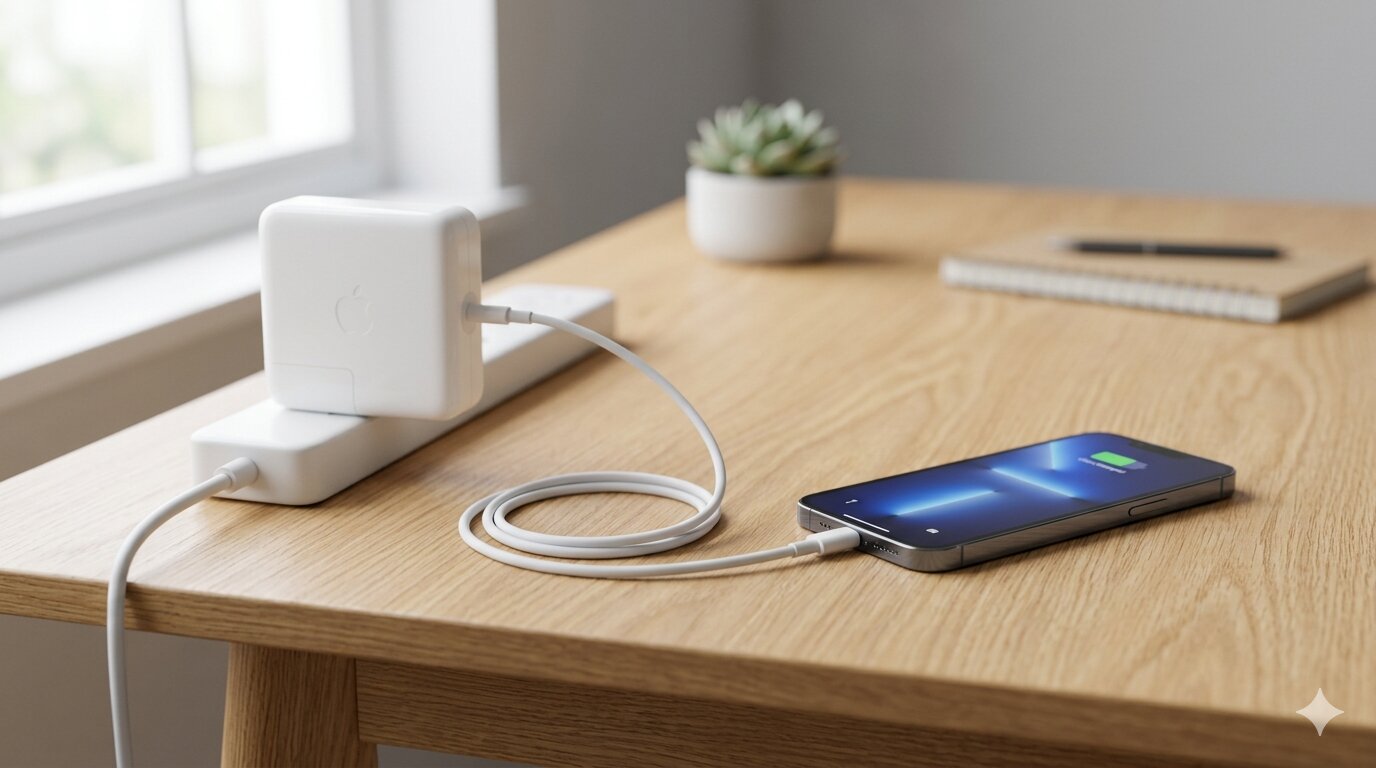
You're at your desk, your iPhone is low on battery, and the only charger nearby is your MacBook's 67W or 96W USB-C adapter. Can you just plug it in? Will it charge faster? Could it damage your phone?
The short answer: yes, it's completely safe. But there are a few things worth knowing about what actually happens when you plug your iPhone into a charger designed for a laptop.
It's Safe — Your iPhone Controls the Power
Modern USB-C charging uses a protocol called USB Power Delivery (USB-PD). When you connect your iPhone to any USB-PD charger, the phone and charger negotiate how much power to transfer. Your iPhone will only draw what it can handle — regardless of the charger's maximum rating.
So even if your MacBook charger is rated at 96W, your iPhone will only pull around 20–27W at peak. The charger doesn't force power into the phone. Think of it like a water tap: the faucet can deliver a lot more than your glass needs, but the glass only fills at its own rate.
How Fast Will It Charge?
Using a MacBook charger with your iPhone gives you fast charging speeds — the same you'd get from Apple's 20W or 30W adapter. Here's a rough comparison:
- 5W (old iPhone brick) — 0 to 50% in about 1.5 hours
- 20W USB-C adapter — 0 to 50% in about 30 minutes
- 30W+ MacBook charger — 0 to 50% in about 25–30 minutes
You won't see a meaningful speed difference between a 30W and a 96W charger on an iPhone, because the phone caps its own intake. The real gain is switching from an old 5W adapter to any USB-C charger with 20W or more.
What About Heat?
One concern people have is heat. Higher-wattage chargers can get warm, and fast charging generates more heat in the phone than slow charging. But because the iPhone limits power draw to what its circuitry can handle safely, there's no added risk from using a MacBook charger specifically.
That said, general fast-charging advice still applies: remove thick cases while charging, avoid direct sunlight, and try not to run heavy apps while plugged in. If the phone gets too warm, iOS will automatically throttle the charging speed to protect the battery.
The Cable Matters Too
If you're using a MacBook charger, you're likely using a USB-C to USB-C cable. Not all USB-C cables support the same power levels. Apple's included cables handle it fine, but cheap third-party cables might limit your charging speed without you realizing it.
Look for cables that explicitly support USB Power Delivery or are rated for 60W or higher. If your phone seems to charge slowly even with a powerful charger, the cable is the first thing to check.
How to Verify Your Charging Speed
iOS doesn't show you how many watts your iPhone is receiving. You can see "Charging" or "Not Charging," but that doesn't tell you whether you're getting 5W or 27W. To find out, you need a third-party app.
Watt Charging Speed measures your real-time charging wattage and shows whether you're getting slow, normal, or fast charging. It's useful for comparing different chargers and cables — just plug in and check the number. If your MacBook charger delivers the same wattage as a 20W adapter, you know the phone is the bottleneck (as expected). If it shows significantly less, you might have a cable issue.
What About Using an iPad Charger?
The same logic applies to iPad chargers. Older iPad adapters (10W or 12W) will charge your iPhone faster than the 5W brick but slower than a 20W USB-C adapter. Newer iPad USB-C chargers (20W+) will give you full fast-charging speeds.
Again, the iPhone negotiates the power level — so any Apple USB-C adapter is safe to use.
The Bottom Line
You can absolutely use your MacBook charger for your iPhone. It's safe, it fast-charges your phone, and it won't damage your battery. The phone controls how much power it draws, so the charger's maximum wattage doesn't matter.
The only thing to watch for is your cable — make sure it supports USB Power Delivery. And if you want to see exactly how fast you're charging, an app like Watt can show you the real numbers.