
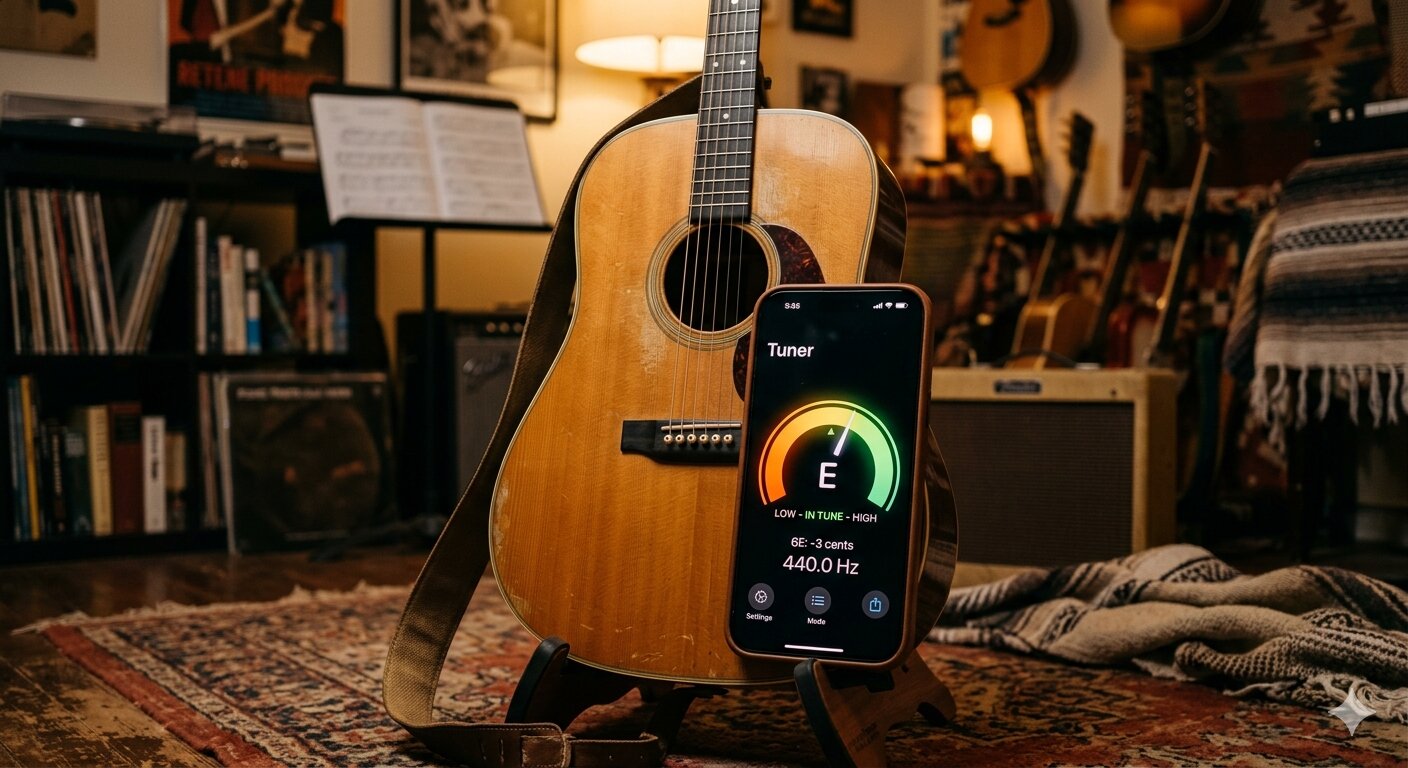
Your iPhone can replace a shelf full of guitar accessories. Tuners, metronomes, chord charts, backing tracks — there's an app for all of it. But with hundreds of options on the App Store, finding the ones that are actually worth using takes some digging.
Here are the best guitar apps for iPhone in 2026, organized by what they do.
Best Guitar Tuners
A reliable tuner is the most essential tool for any guitarist. These apps use your iPhone's microphone to detect pitch in real time:
- StringKit — A precision tuner with 12 tuning presets including Standard, Drop D, Open G, DADGAD, and more. Also includes a 168-chord library and built-in metronome, making it a complete guitar companion in one app. No ads or subscriptions.
- GuitarTuna — One of the most popular tuner apps. Simple interface, accurate detection, and support for multiple instruments. The free version includes a basic tuner and some chord diagrams.
- Fender Tune — Clean tuner from Fender with auto-detect mode. Also offers guided tuning for beginners who aren't sure which string is which.
For most players, the key differences are accuracy, speed of detection, and how many tuning presets are included. If you play in alternate tunings regularly, look for an app that has them built in rather than requiring manual setup each time.
Best Chord Reference Apps
When you need to look up a chord shape quickly — especially less common voicings — a dedicated chord app beats Googling every time:
- Guitar Chords and Scales — Comprehensive library with multiple voicings per chord, scale diagrams, and a reverse chord finder (play a shape and it tells you the name).
- StringKit — Includes 168 chord voicings with fretboard diagrams showing barre positions and open strings. Handy when you already have it open for tuning.
- ChordBank — Visual chord library with audio playback so you can hear what the chord should sound like before you play it.
Best Metronome Apps
Playing in time is one of the most underrated skills in guitar. A good metronome app helps you build solid rhythm:
- Pro Metronome — Full-featured metronome with subdivisions, accent patterns, and a visual pendulum. Supports complex time signatures.
- StringKit — Has a built-in metronome with adjustable BPM and time signatures. Not as deep as a standalone metronome app, but convenient when you're already using it for tuning and chords.
- Soundbrenner — Minimalist metronome with haptic feedback support and setlist mode for practicing multiple songs at different tempos.
Best Apps for Learning Guitar
If you're a beginner looking for structured lessons, these apps offer step-by-step courses:
- Yousician — Gamified guitar lessons that listen to you play through the microphone and give real-time feedback. Covers chords, strumming, fingerpicking, and music theory. Free tier is limited to a few minutes per day.
- Justin Guitar — Based on Justin Sandercoe's popular free lesson series. Structured beginner course with song tutorials and practice exercises.
- Fender Play — Subscription-based lessons organized by genre (rock, blues, folk, pop). Good production quality and a clear learning path.
All-in-One vs. Specialized Apps
One question that comes up often: should you get one app that does everything, or separate apps for each tool?
It depends on how you practice. If you want to open one app and have your tuner, chords, and metronome ready without switching, an all-in-one like StringKit keeps things simple. If you need deep features in one specific area — like a metronome with polyrhythm support or a chord app with scale integration — a specialized app might serve you better.
Most guitarists end up with 2–3 apps: a tuner they trust, a metronome they like, and something for learning new material. Start with what you need most and add tools as your playing develops.
What to Look For
When choosing guitar apps, keep these things in mind:
- Accuracy — Especially for tuners. A tuner that's slow to detect pitch or gives inconsistent readings will frustrate you.
- Offline support — You don't always have internet at a gig or practice space. Make sure your essential tools work without a connection.
- No intrusive ads — Free apps with full-screen ads between every action aren't worth the frustration. Either use a paid app or one with a reasonable free tier.
- Simplicity — The best guitar apps get out of your way. You should spend your time playing, not navigating menus.
The right set of apps can genuinely accelerate your playing — especially if you're just starting out and don't have a stack of gear yet. Pick a tuner, set up a metronome, and start practicing.